read without the editor noise
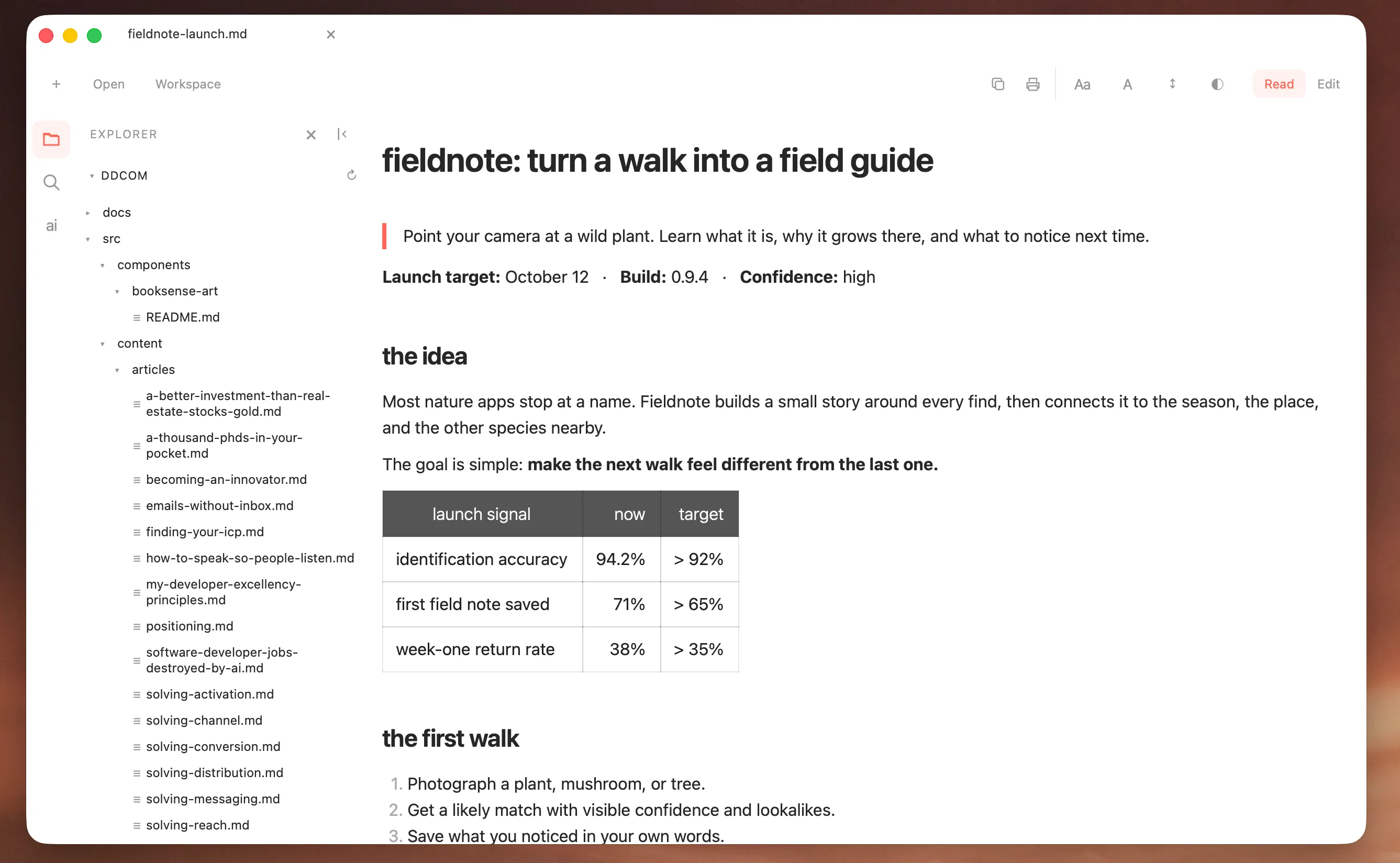
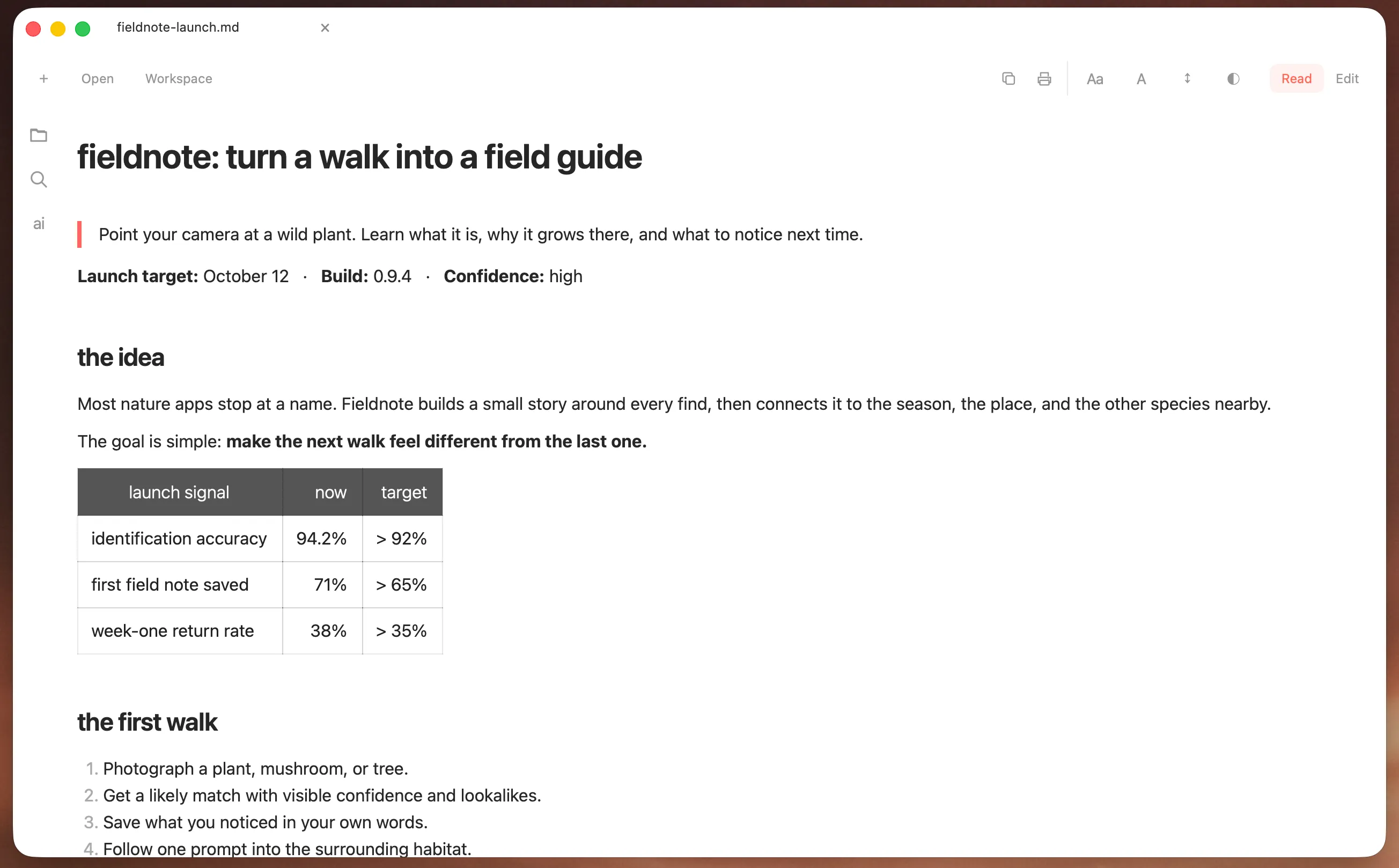
Open Markdown as a clean document. Pick a typeface, text size, line spacing, and appearance that makes long files easy to read.
made · for the Markdown file

Read and edit Markdown, search a whole folder, then hand the work to Codex or Claude without leaving the document. A native workspace for the files behind the work.
the problem
One app to read. Another to edit. Finder to move between files. A terminal when an agent needs the folder. Markview puts that work in one native window while keeping the files plain and local.
a look inside
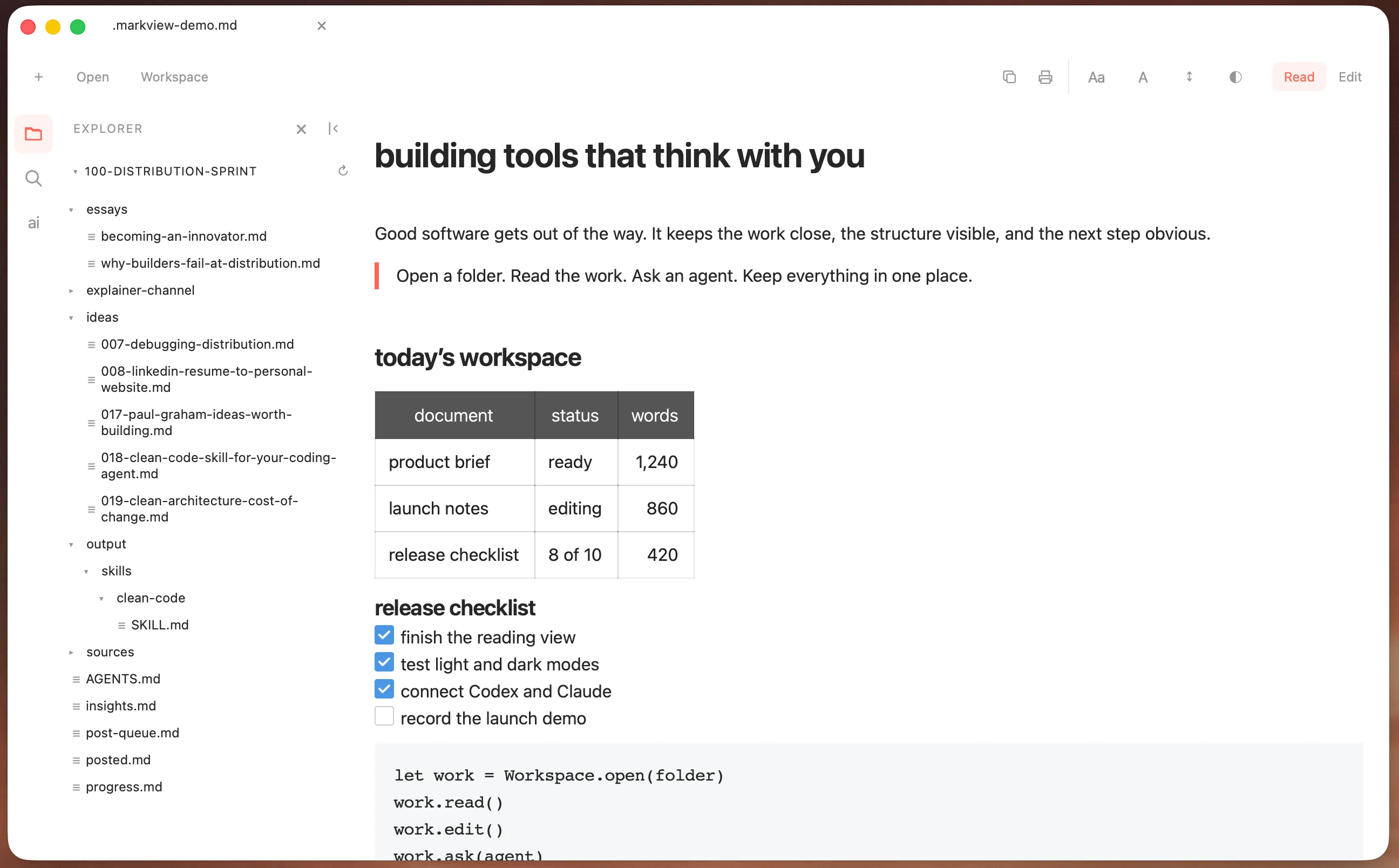
Start with a document. Open its folder when you need the surrounding work.
what it does
Open Markdown as a clean document. Pick a typeface, text size, line spacing, and appearance that makes long files easy to read.
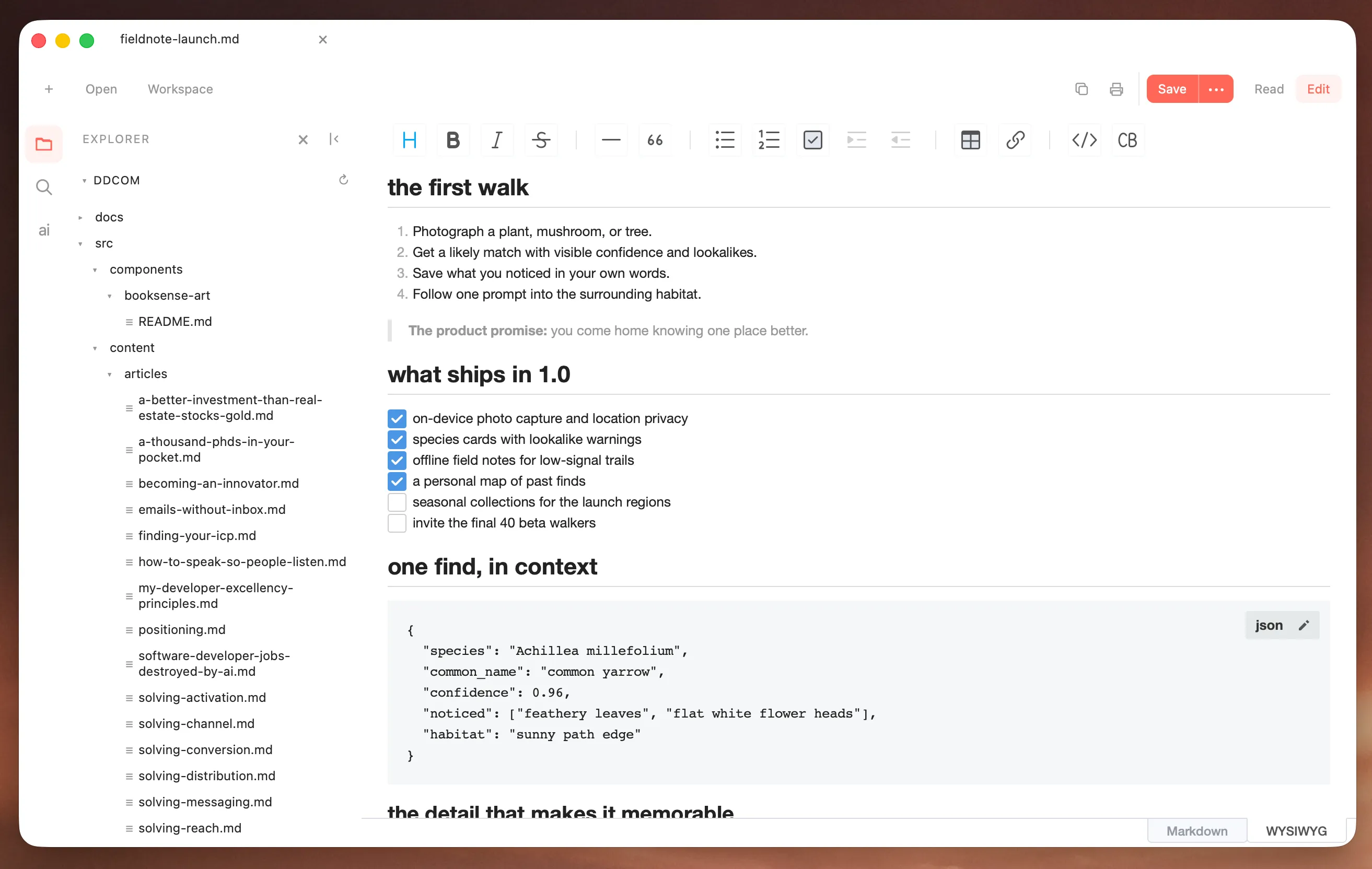
Switch between visual editing and Markdown source. Tables, tasks, links, lists, quotes, and code are always close.
Use the native file tree, Quick Open, and one search across filenames and Markdown contents.
Hand work to your existing Codex CLI or Claude Code setup. Markview keeps their permissions, models, and authentication untouched.
Native title-bar tabs let you move between documents without opening a row of separate windows.
Reading, editing, search, preferences, and folder indexing stay on your Mac. There is no account and no analytics.
local by default
Reading, editing, search, preferences, and workspace indexing happen locally.
Agent chat only starts when you ask. It uses the CLI you already installed, with the model, account, permissions, and sandbox rules you already chose.
Markview stores no provider credentials and adds no hidden prompt.
install
The current build is free for macOS 13 or later.

Free for Mac. No account. No analytics.